Chargebee Copilot
Disclaimer
Chargebee Copilot uses third-party Artificial Intelligence (AI) service providers. While we aim to provide accurate and helpful information, AI-generated responses may include errors and should be independently verified. Chargebee is not responsible for any inaccuracies in generated content.
The inputs you provide are not used to train any AI language models. To improve agent accuracy and reliability, Chargebee’s internal team may review select interactions for quality assurance and debugging purposes.
Continued use of Copilot constitutes acceptance of this disclaimer. If you disagree, contact Chargebee Support or your Account Manager to disable Copilot for your organization.
Introduction
Note
Chargebee Copilot is currently in beta and available to all users, regardless of their Chargebee Billing plan. Additional charges may apply when Chargebee Copilot becomes generally available.
Chargebee Copilot is a conversational, chat-based assistant that helps you explore, understand, and take action within the Chargebee product. It can answer product-related questions and execute tasks using specialized Chargebee Agents.
With Chargebee Copilot, you can:
- Get instant answers to product-related questions via the Knowledge Base Agent.
- Perform specialized operations using Chargebee Agents. Learn more about Chargebee Agents.
Note
By default, only the Knowledge Base Agent is enabled. Admins or Owners can enable additional agents as needed. - Interact directly with the Chargebee UI. Currently, only select pages support this feature. These pages display an “Ask AI” button that allows you to ask questions or perform supported actions directly within the interface.
Note
Chargebee is actively expanding this capability in upcoming releases to support more pages and actions.
- Contact Chargebee Support to connect through chat, phone, or ticketing options.
Accessing Chargebee Copilot
By default, Chargebee Copilot is available on your Billing site. To access Chargebee Copilot, follow these steps:
-
Log in to your Chargebee Billing site.
-
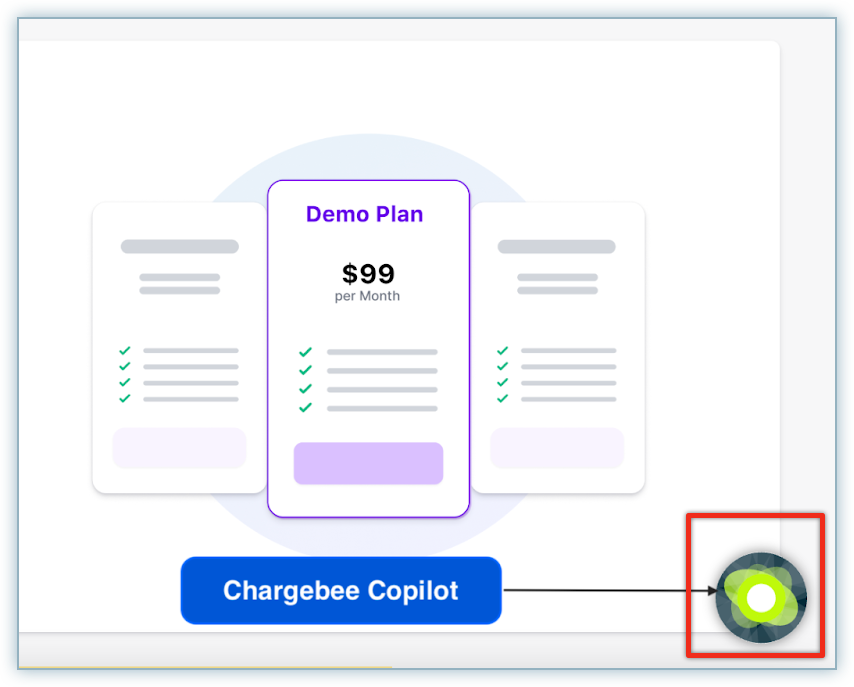
Locate the Chargebee Copilot icon in the bottom-right corner of your screen.
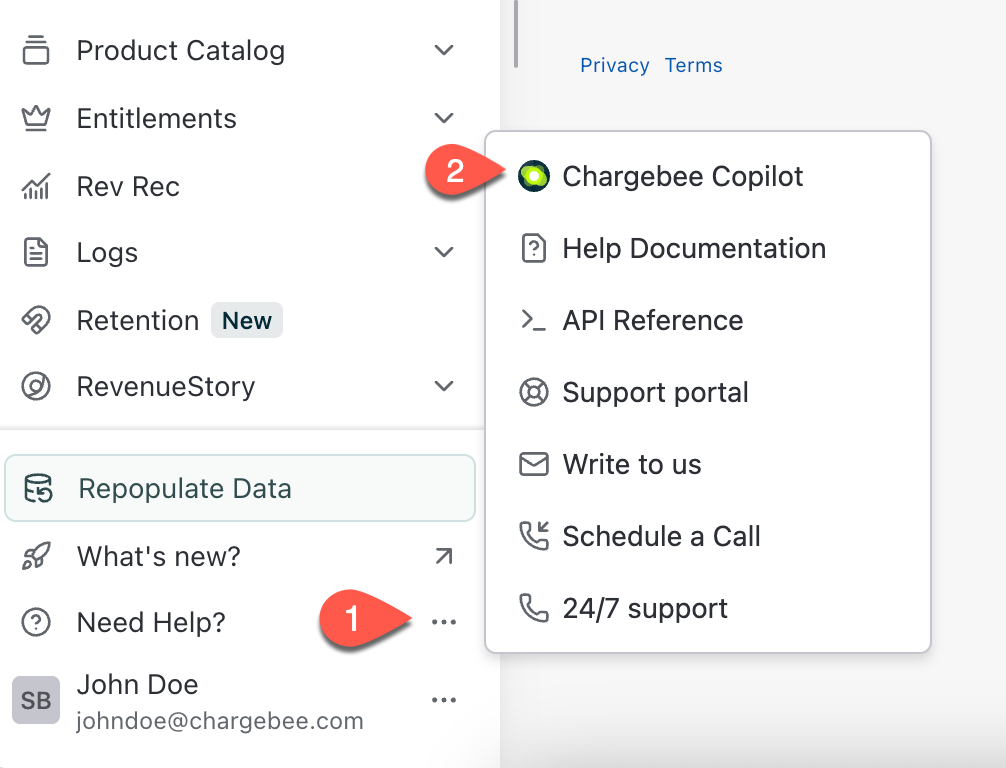
You can also open Copilot by clicking the ellipsis icon next to Need Help on the left navigation pane.
-
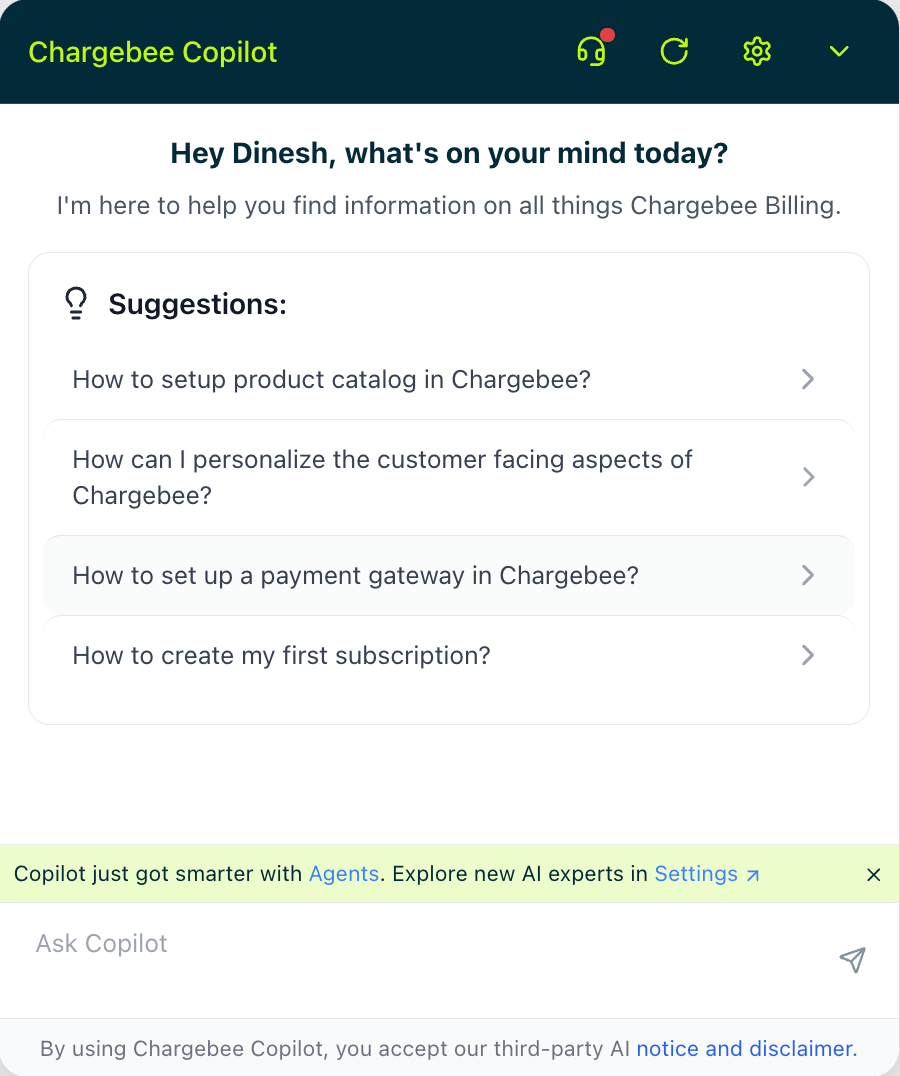
Click the Chargebee Copilot icon to open the widget and start interacting using the chat window.
Getting the Best Out of Chargebee Copilot
- Enable Relevant Agents. If you’re an Admin or Owner, enable additional Chargebee Agents to streamline your team’s workflows.
- Ask Clear, Specific Questions. The more specific your query, the more accurately Copilot can select the right agent to assist you.
- Use Customer Context for Data Tools. Many tools in the Data Lookup Agent require a Customer ID. Start by locating a customer using their email, company name, or domain, then ask queries related to that customer.
Note
Chargebee Copilot is powered by Chargebee Agents, which perform billing and operational tasks within the product. Each agent has specific skills, tools, and permissions configured for your workspace. Future updates will expand agent capabilities, add new page-level actions, and support advanced automations.
FAQs
1. What are the limitations of Copilot?
Chargebee Copilot is currently in beta. While it adheres to industry standards, a small percentage of responses may contain inaccuracies. We recommend validating key responses against Chargebee documentation before making critical decisions.
2. How to reach out to support directly from Copilot?
You can type commands such as:
“I need to talk to a support person.” “I want to raise a support ticket.”
Copilot will guide you through one of the following support options:
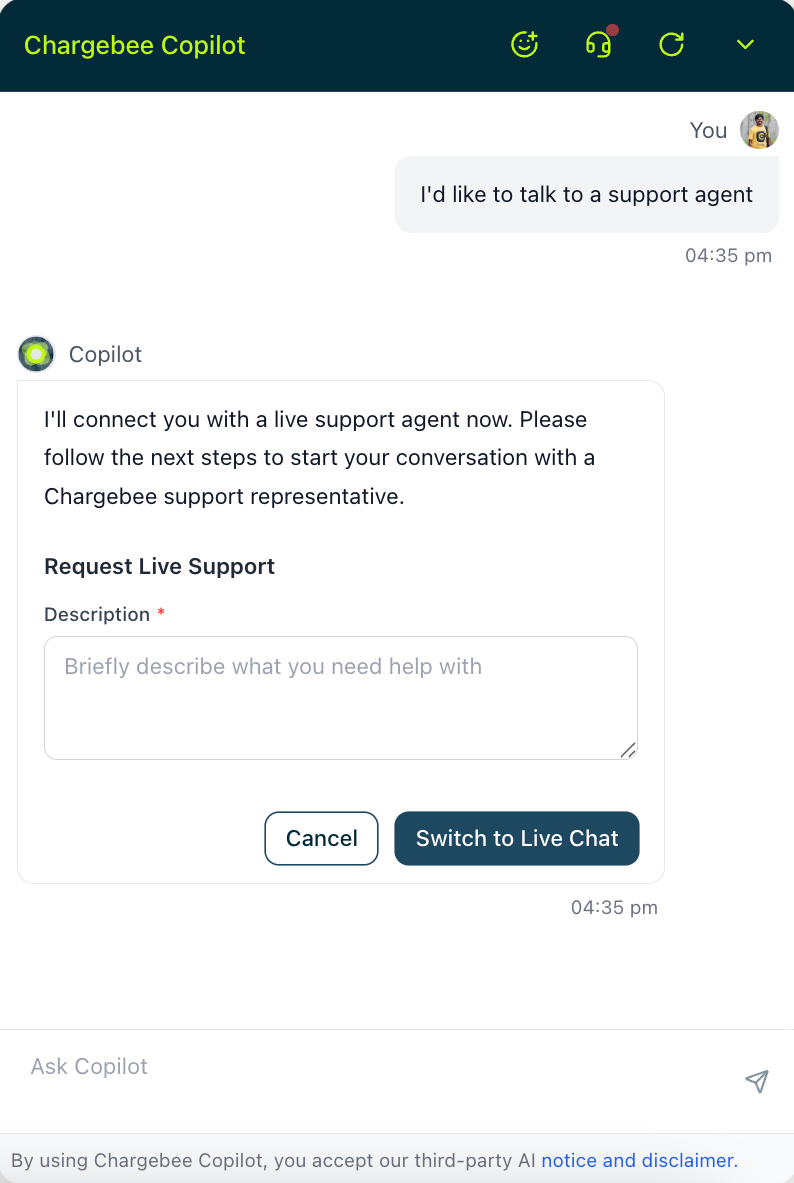
- Live Chat. Instantly connect with a Chargebee support agent via the in-app chat widget.
- Request Callback. Schedule a convenient time for a call with our Solutions Team.
- Support Phone Number. View available contact numbers for immediate assistance.
- Create Support Ticket. Allow Copilot to generate a support ticket on your behalf and receive a ticket ID for reference.
Support Options by Plan
The following table outlines available support options based on your plan type, user role, and environment.
| Plan Type | User Role | Environment | Available Support Options |
|---|---|---|---|
| Starter (Freemium) | Site Owner | Test Site |
|
| Site Owner | Live Site |
| |
| Non-Owner | Test/Live Site |
| |
| Paid Plans | Site Owner | Test Site |
|
| Site Owner | Live Site |
| |
| Non-Owner | Test/Live Site |
|
Was this article helpful?