Chargebee Copilot
Disclaimer
Chargebee Copilot uses third-party Artificial Intelligence (AI) service providers. While we aim to provide accurate and helpful information, AI-generated responses may include errors and should be independently verified.
The inputs you provide are not used to train public AI language models. To improve quality and reliability, Chargebee may review selected interactions for debugging and quality assurance purposes.
If you do not want Copilot enabled for your organization, contact Chargebee Support or your Account Manager.
Overview
Note
Chargebee Copilot is currently in beta and available to all users, regardless of their Chargebee Billing plan. Additional charges may apply when Chargebee Copilot becomes generally available.
Chargebee Copilot is an AI assistant inside Chargebee. It helps you answer questions and complete tasks using natural language.
What Copilot can do for you depends on:
- The skills enabled for your Chargebee site.
- The access level configured for your user role in Chargebee.
Note
For external AI clients such as Cursor, Claude, ChatGPT, and other compatible tools, see Chargebee MCP Servers.
Using Chargebee Copilot
You can access Copilot as follows:
- Log in to your Chargebee Billing site.
- Select the circular Copilot icon in the bottom-right corner of the screen.
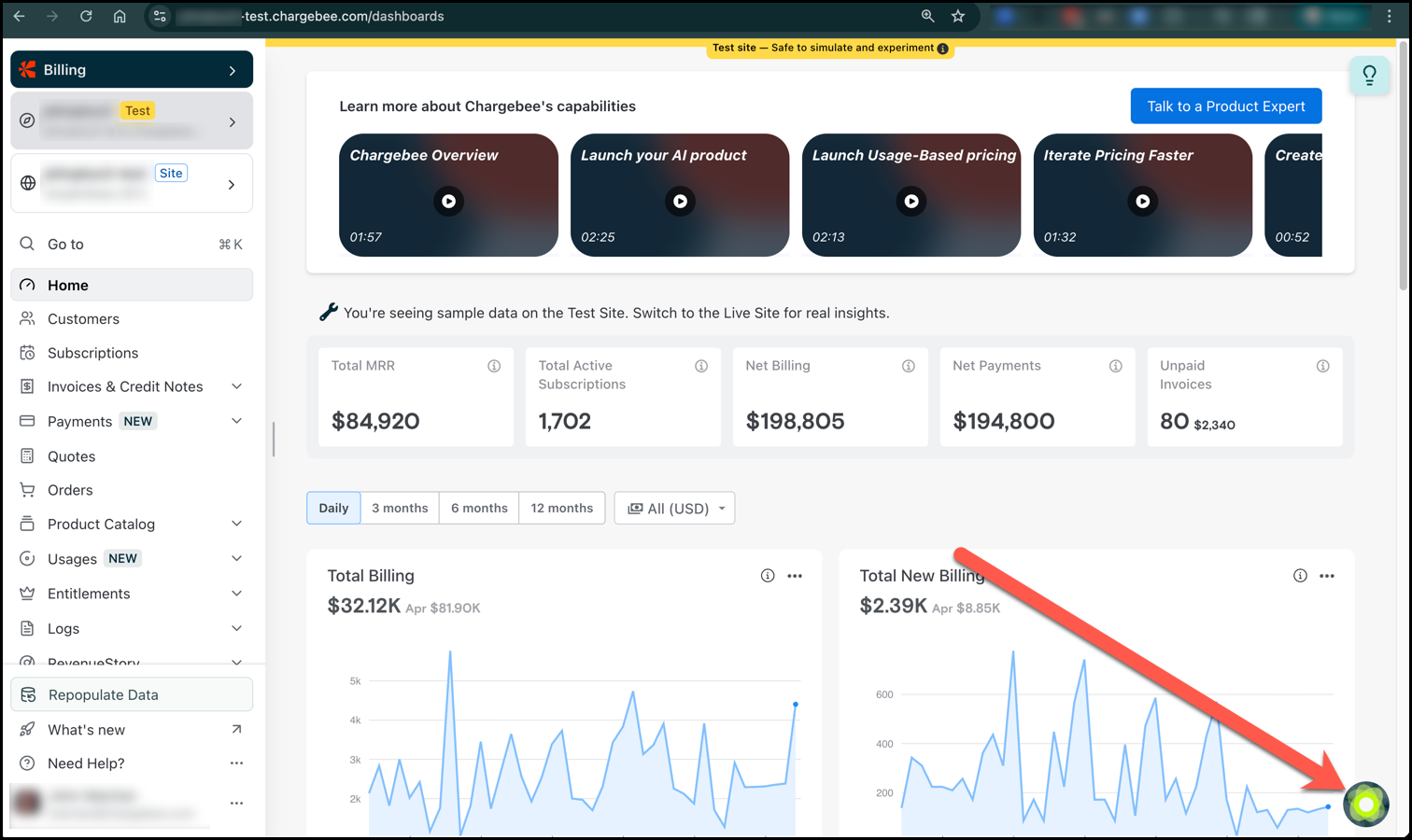
- Start a conversation in the chat that appears.
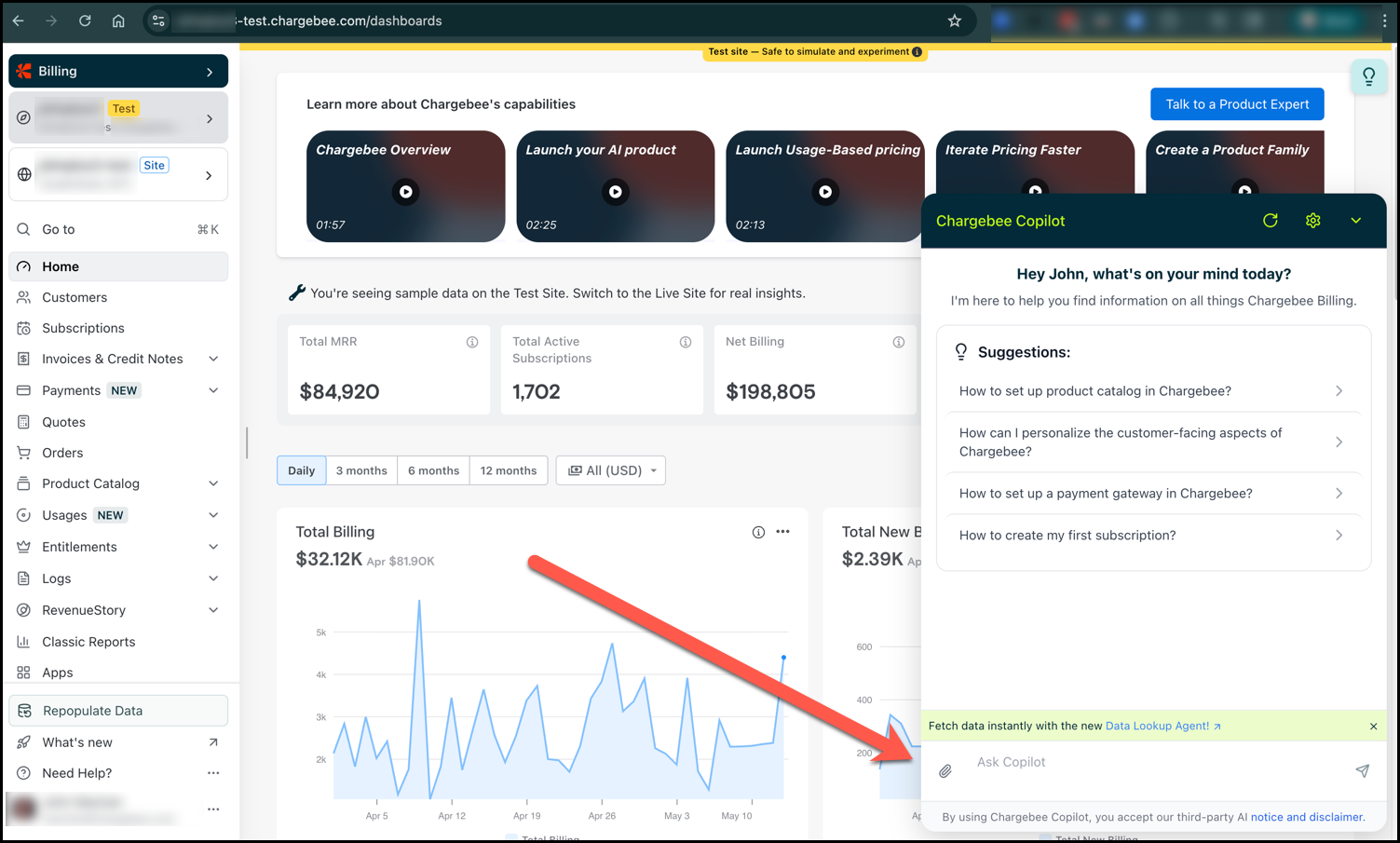
Copilot skills
Based on your site configuration and user-specific access level, the following Copilot skills are available.
Answer product questions
Copilot can answer questions about Chargebee features, workflows, and APIs. It can also provide implementation guidance and integration code snippets.
Example prompts
- How do I configure consolidated invoicing in Chargebee?
- What happens when a subscription is reactivated?
- How do I integrate Chargebee Checkout in my application?
- Can you provide a code tutorial for using the Hosted Pages API?
- What is the difference between invoices and unbilled charges?
Look up Chargebee data
Copilot can retrieve customer and billing data from your Chargebee site to help you investigate issues faster. This can include customers, subscriptions, invoices, and transactions.
This skill respects the data access privileges configured for your user role in Chargebee.
Example prompts
- Show me the subscriptions for customer
cus_xxx. - Find the invoices for name@company.com.
- Show the latest transaction for this customer.
- Find all active subscriptions for Acme.
Set up the Product Catalog
Copilot can help create and manage product catalog data such as plans, addons, charges, and their price points. This capability is currently available only in test or sandbox sites.
Example prompts
- Create a monthly plan for Starter at USD 99.
- Add an annual plan for Pro with a 10-day trial.
- Show the plans currently configured in this sandbox site.
- Create an addon for priority support.
Skill availability and access control
You can view the Copilot status and the user roles for which each skill is enabled by navigating to Settings > Configure Chargebee > Agentic AI > Copilot.

All the above-mentioned skills are enabled in Chargebee by default.
If you want to disable one or more skills for your site, contact Chargebee Support.
Your Copilot experience depends on the skills enabled for your site and the access level configured for your user role in Chargebee. For example, if the Look up Chargebee data skill is enabled, Copilot will be able to retrieve data from your Chargebee site that is accessible to your user role.
Before Copilot takes any action, it asks for your confirmation.
Getting the best results from Copilot
- Ask clear, specific questions.
- Use customer identifiers such as customer ID or email when relevant.
- Verify responses before asking Copilot to take critical business actions.
Limitations
AI-generated responses can still be inaccurate and should be verified before taking critical business actions.
Some capabilities may be available only on supported pages or for supported actions.
Contacting support from Copilot
You can use Copilot to reach Chargebee Support for help with product issues.
Depending on your Chargebee plan and user-role, available support can include:
- Live chat
- Request callback
- Support phone number
- Create support ticket
Was this article helpful?